How Tree Normalization Works in Aerospace
Aerospace automatically normalizes the tiling tree. For a long time, kept both normalization on per the recommendation without understanding what they did. I finally understood what they do today, so here is my explanation with examples.
Normalization Type 1
Normalization type 1 discards a “ghost container” by checking if the child container contains only one window.
- Suppose you have 4 windows:
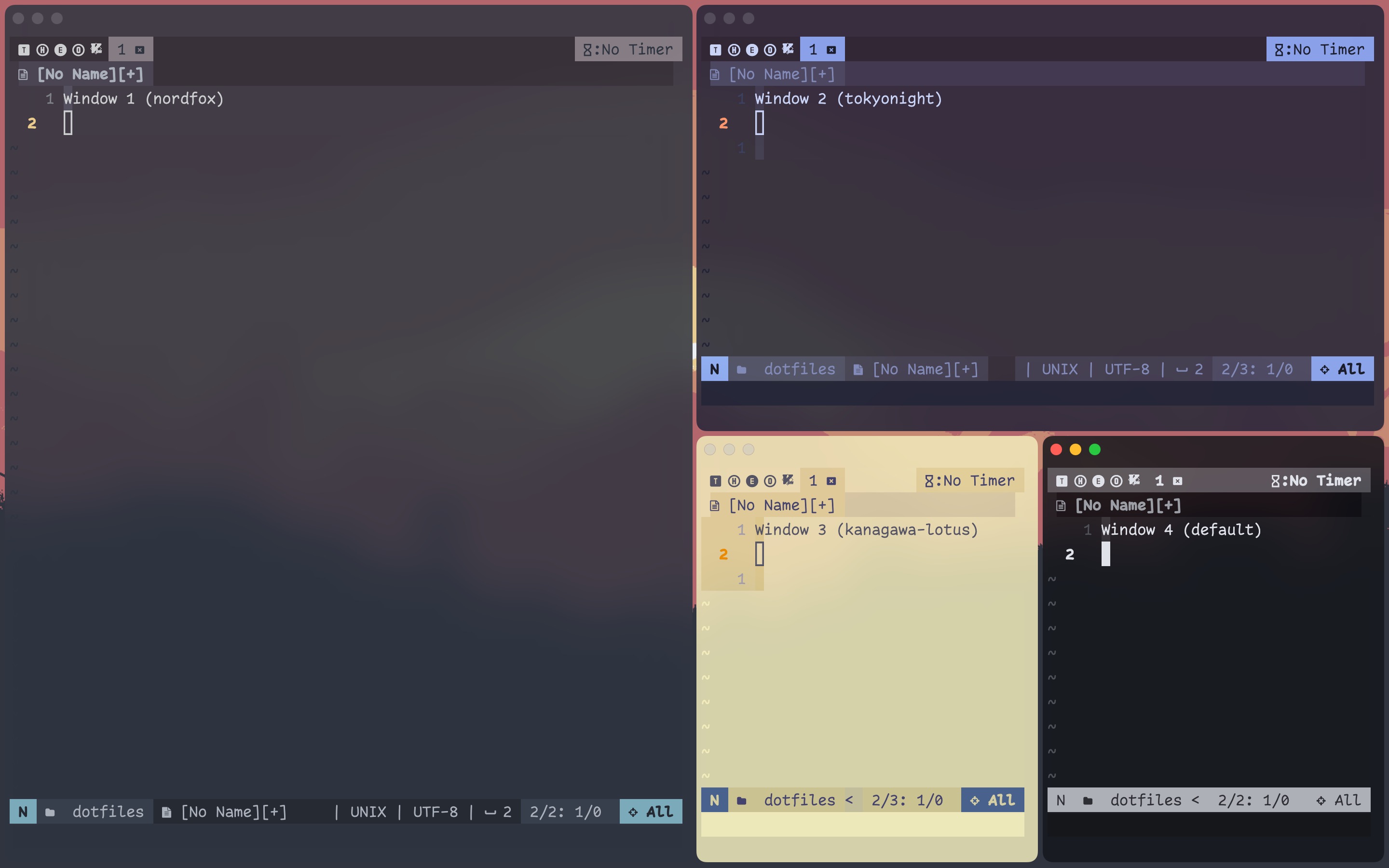 The tree looks like this:
h_tiles (container 0) ├── window 1 └── v_tiles (container 1) ├── window 2 └── h_tiles (container 2) ├── window 3 └── window 4 - With
enable-normalization-flatten-containers = false, when you close window 4, the tree will look like this, where window 3 is the only member of the nested container.h_tiles (container 0) ├── window 1 └── v_tiles (container 1) ├── window 2 └── h_tiles (container 2) └── window 3 - Now open a new window and tile it.
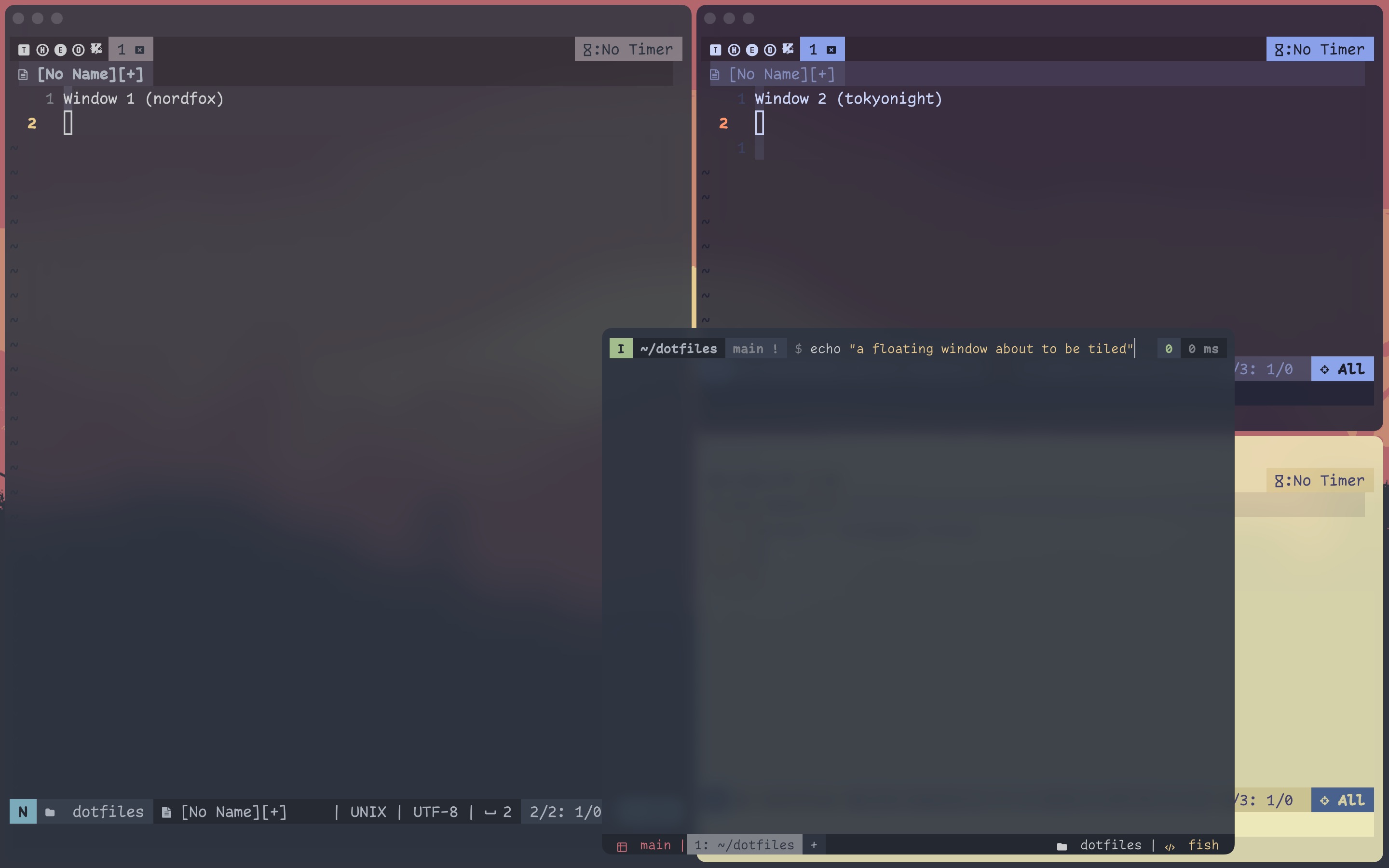
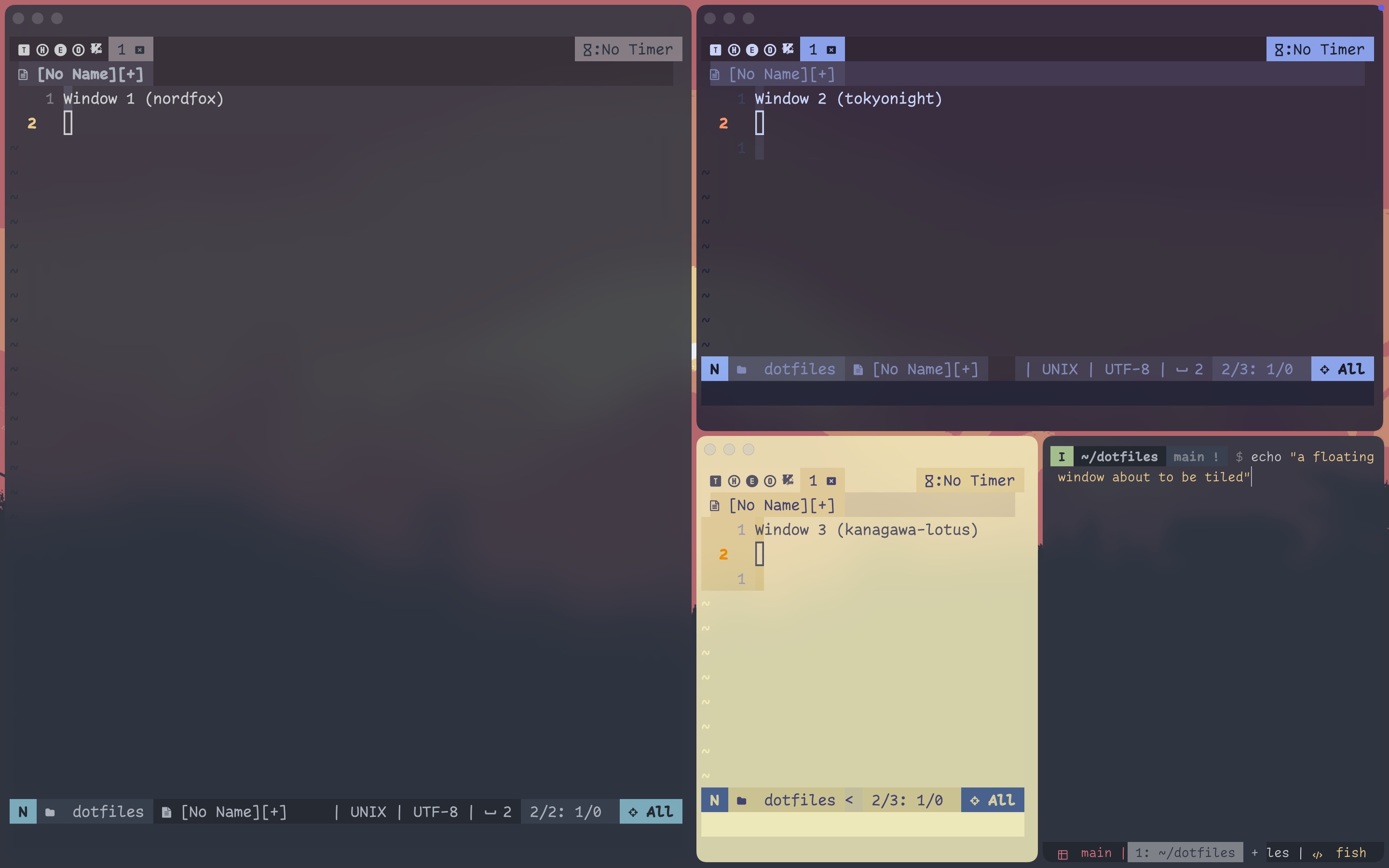 Notice how the new window was tiled horizontally next to window 3 because the of “ghost” container.
h_tiles (container 0) ├── window 1 └── v_tiles (container 1) ├── window 2 └── h_tiles (container 2) ├── window 3 └── new window 4 - Go back to (2) but with
enable-normalization-flatten-containers = true. When you close window 4, even though it visually looks the same as the first screenshot in (3), the nested container is internally deleted, and window 3 is merged with the parent container.h_tiles (container 0) ├── window 1 └── v_tiles (container 1) ├── window 2 └── window 3 - When you open a new window and tile it, it is vertically tiled as part of the container 1
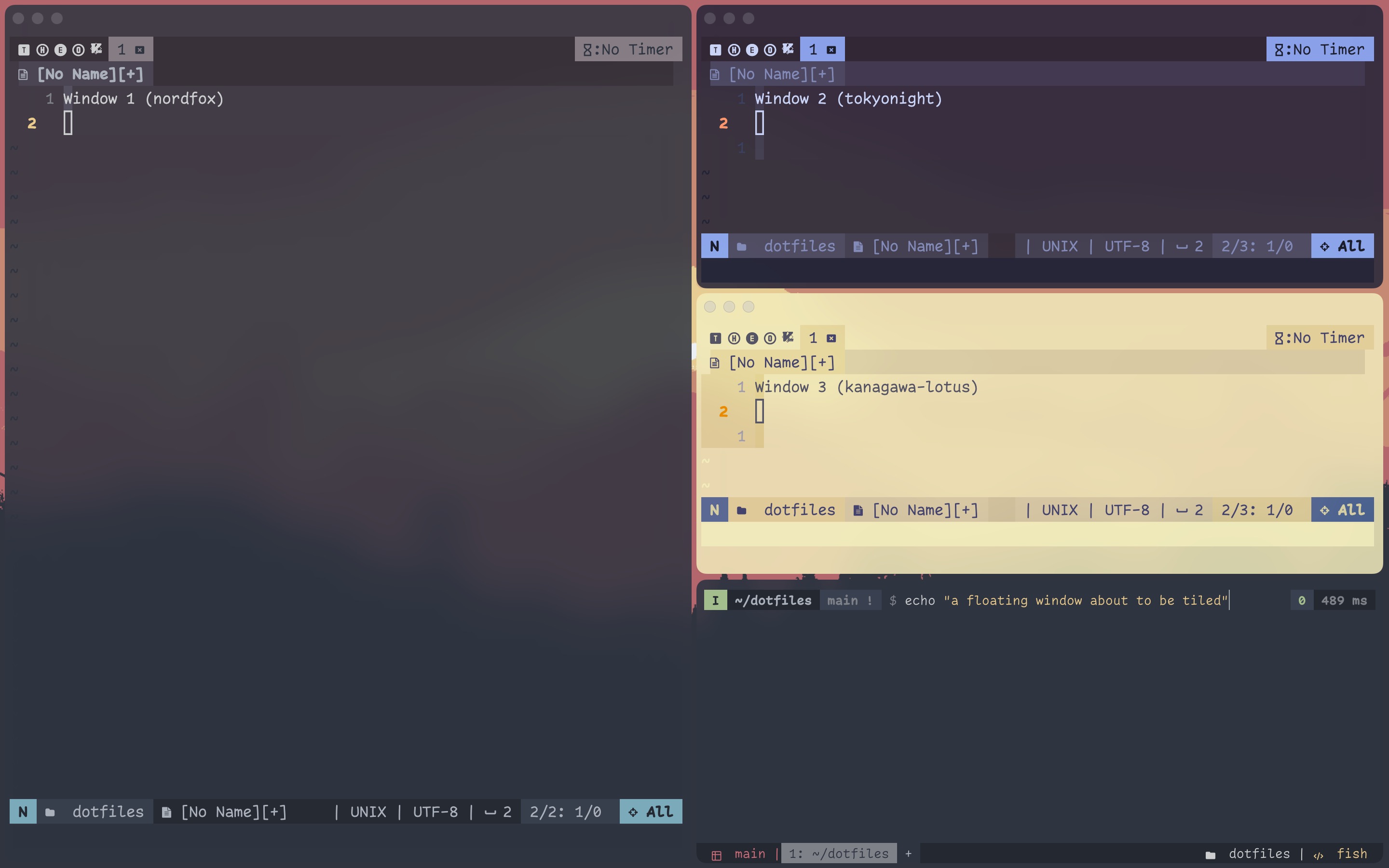
h_tiles (container 0)
├── window 1
└── v_tiles (container 1)
    ├── window 2
    ├── window 3
    └── new window 4
I do not see why you would leave this off, as it ensures that the containers you see is the containers there is.
Normalization Type 2
Normalization type 2 helps visually distinguish containers by ensuring that a horizontal container cannot have a horizontal container as a child (same with vertical layouts).
- To demonstrate, suppose you have the following layout:
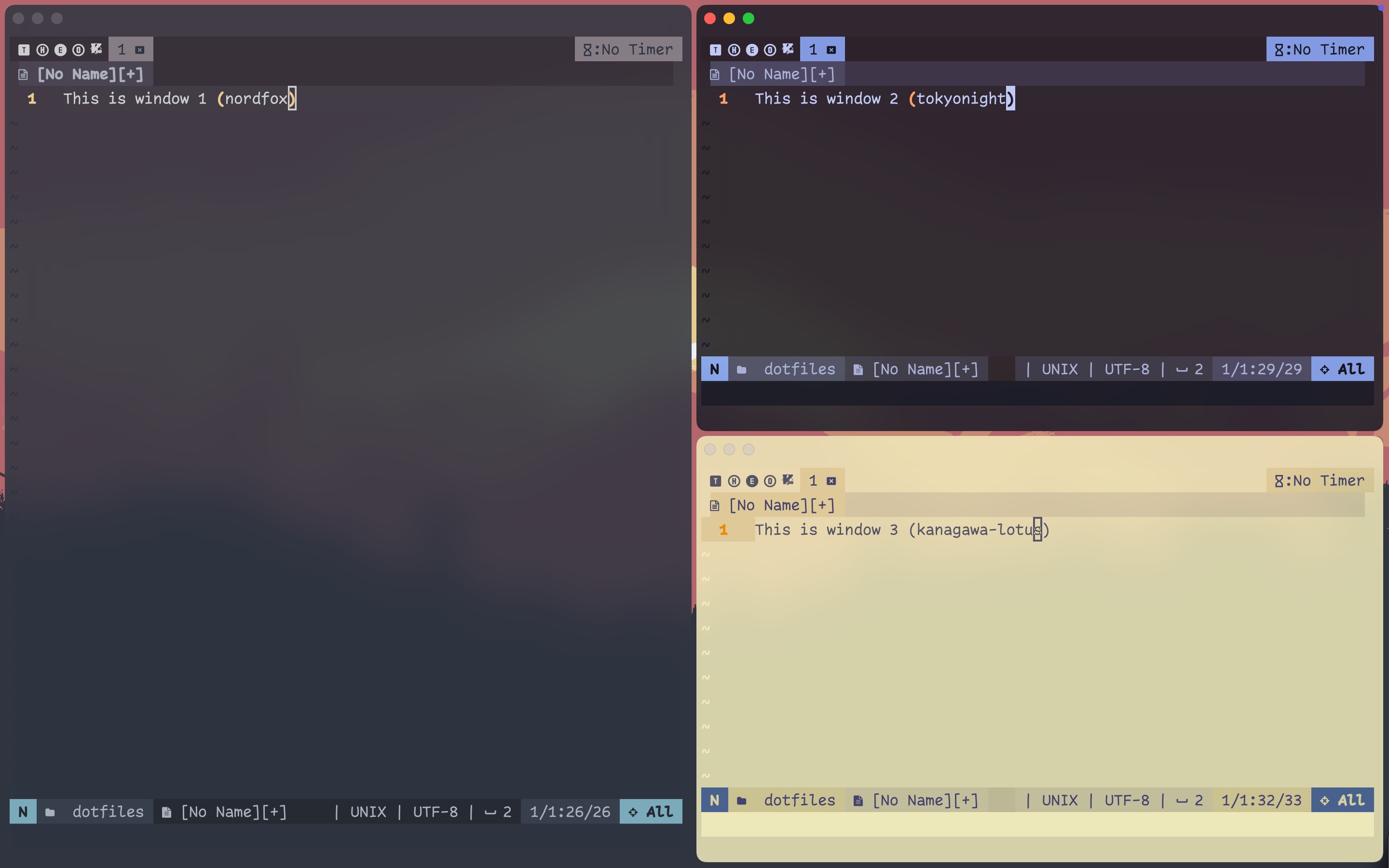
+--------------+--------------+ | | *2* | | | | | 1 +--------------+ | | | | | 3 | +--------------+--------------+ h_tiles ├── window 1 └── v_tiles ├── window 2 └── window 3 - Let’s try
enable-normalization-opposite-orientation-for-nested-containers = falsefirst. Inputalt-/to toggle horizontal tile on the child container with windows 2 and 3. It creates a horizontal container within the root horizontal container.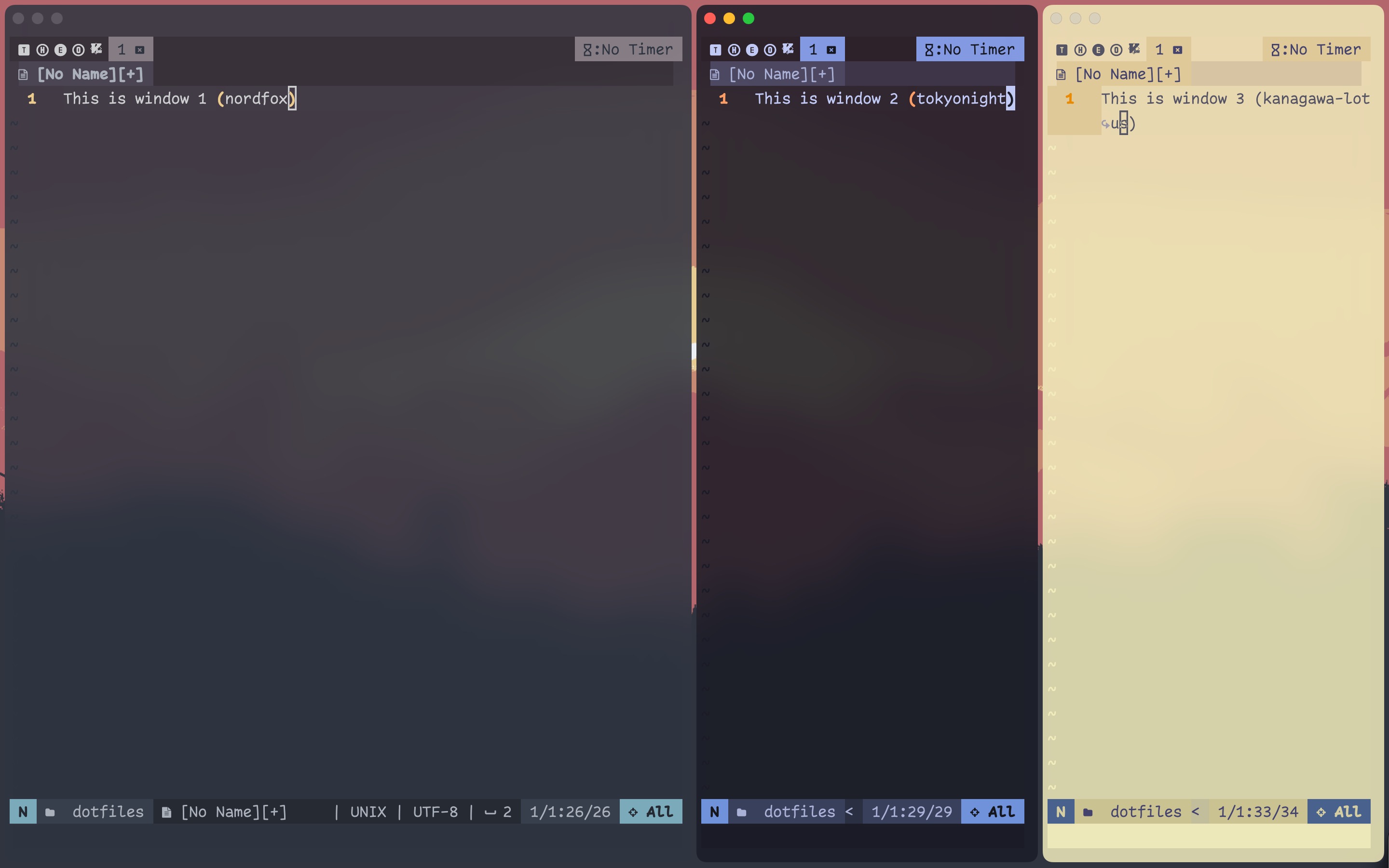
+--------------+-------+------+ | | | | | | | | | 1 + *2* | 3 | | | | | | | | | +--------------+-------+------+ h_tiles ├── window 1 └── h_tiles ├── window 2 └── window 3 - Repeat 1-2 with normalization set to
true. When you try to toggle horizontal tiling in the child container, you will see that it switches the root layout to vertical, because you cannot have a horizontal layout within a horizontal layout.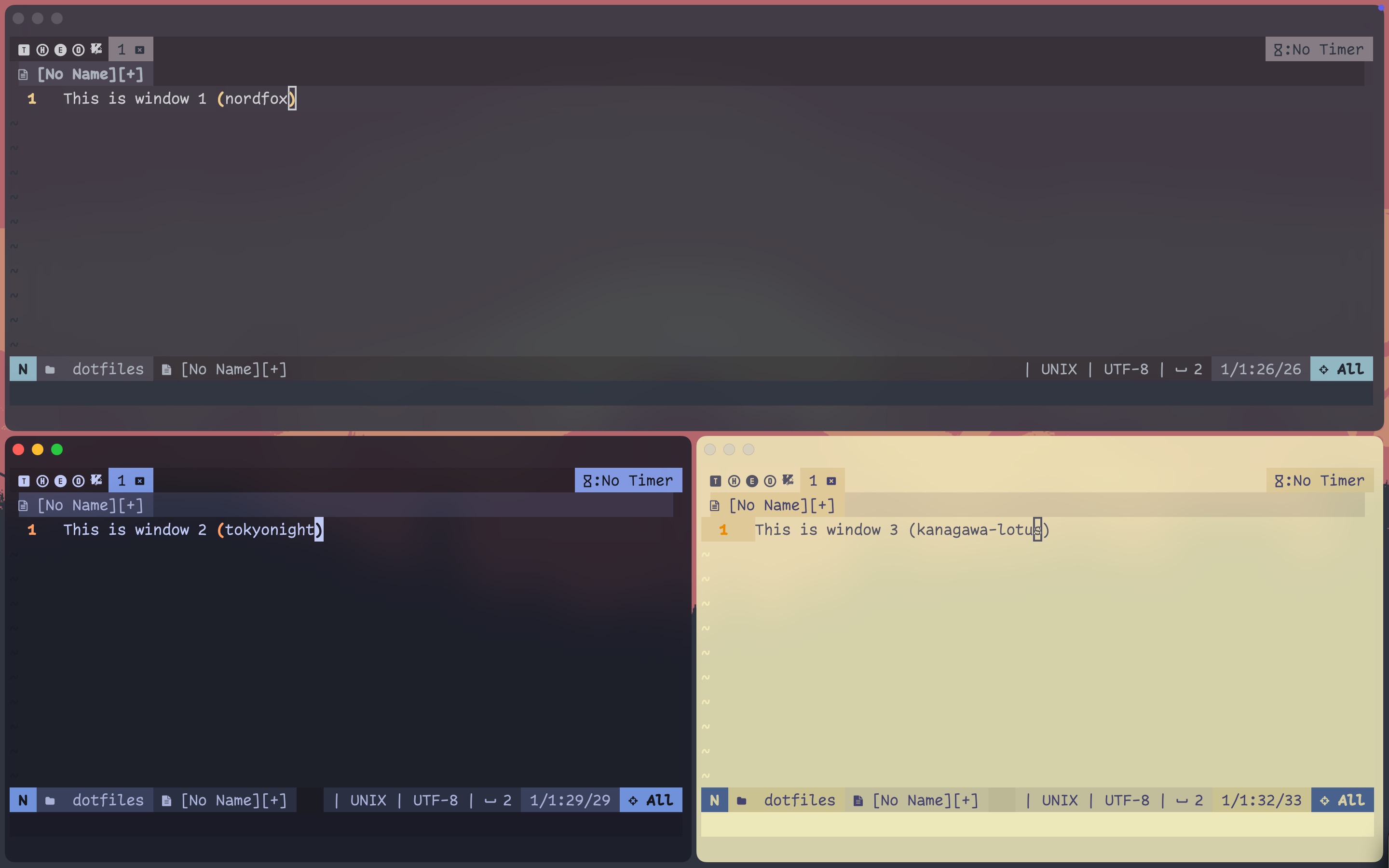
+--------------+--------------+ | 1 | | | |--------------+--------------+ | | | | *2* | 3 | +--------------+--------------+ v_tiles ├── window 1 └── h_tiles ├── window 2 └── window 3 - This makes more sense when you have an accordion view (stacked/tabbed layout in i3) within the tiled root container.
After 2 (with normalization set to
false), inputalt-,to toggle horizontal accordion layout in the child container.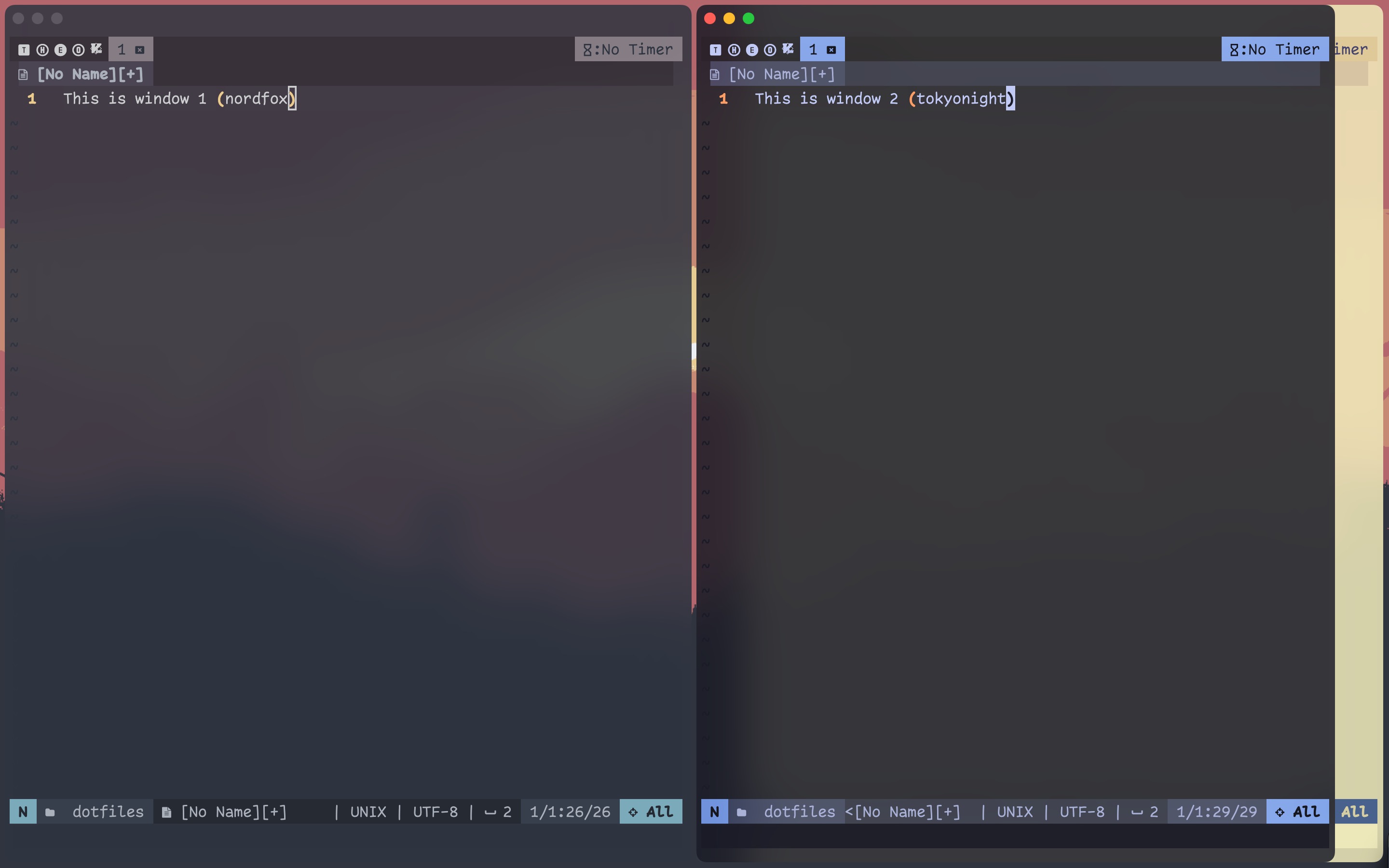
+--------------+-------------++ | | || | | || | 1 + *2* |3 | | || | | || +--------------+-------------++ h_tiles ├── window 1 └── h_accordion ├── window 2 └── window 3 - Now set the option to
trueand reload. The layout in (4) becomes invalid, so Aerospace automatically switches the child to vertical accordion.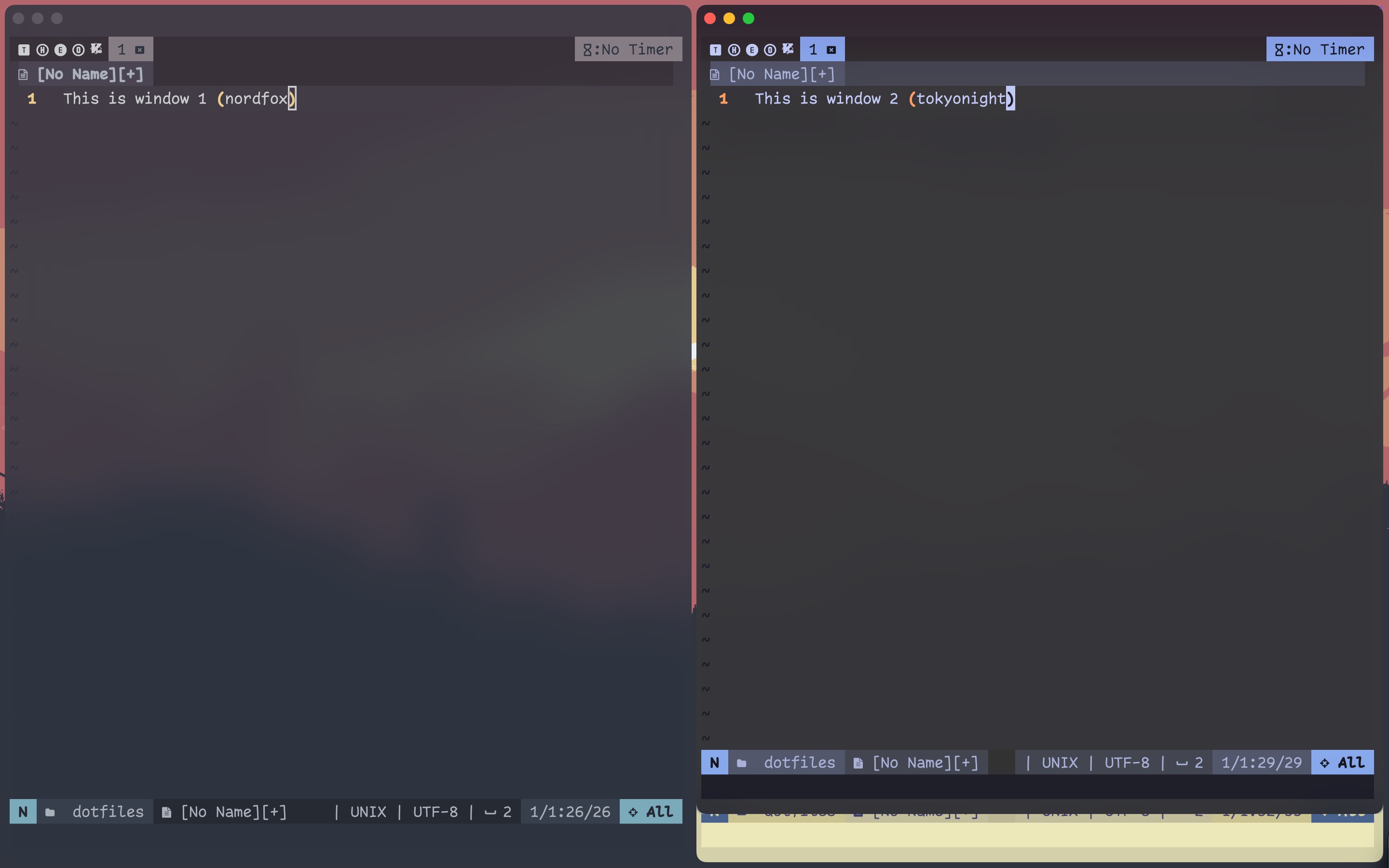
+--------------+--------------+
|              |              |
|              |              |
|      1       |      *2*     |
|              |              |
|              +--------------+
+--------------+-------3------+

h_tiles
├── window 1
└── v_accordion
    ├── window 2
    └── window 3
Here are some other trees that are only possible with normalization off.
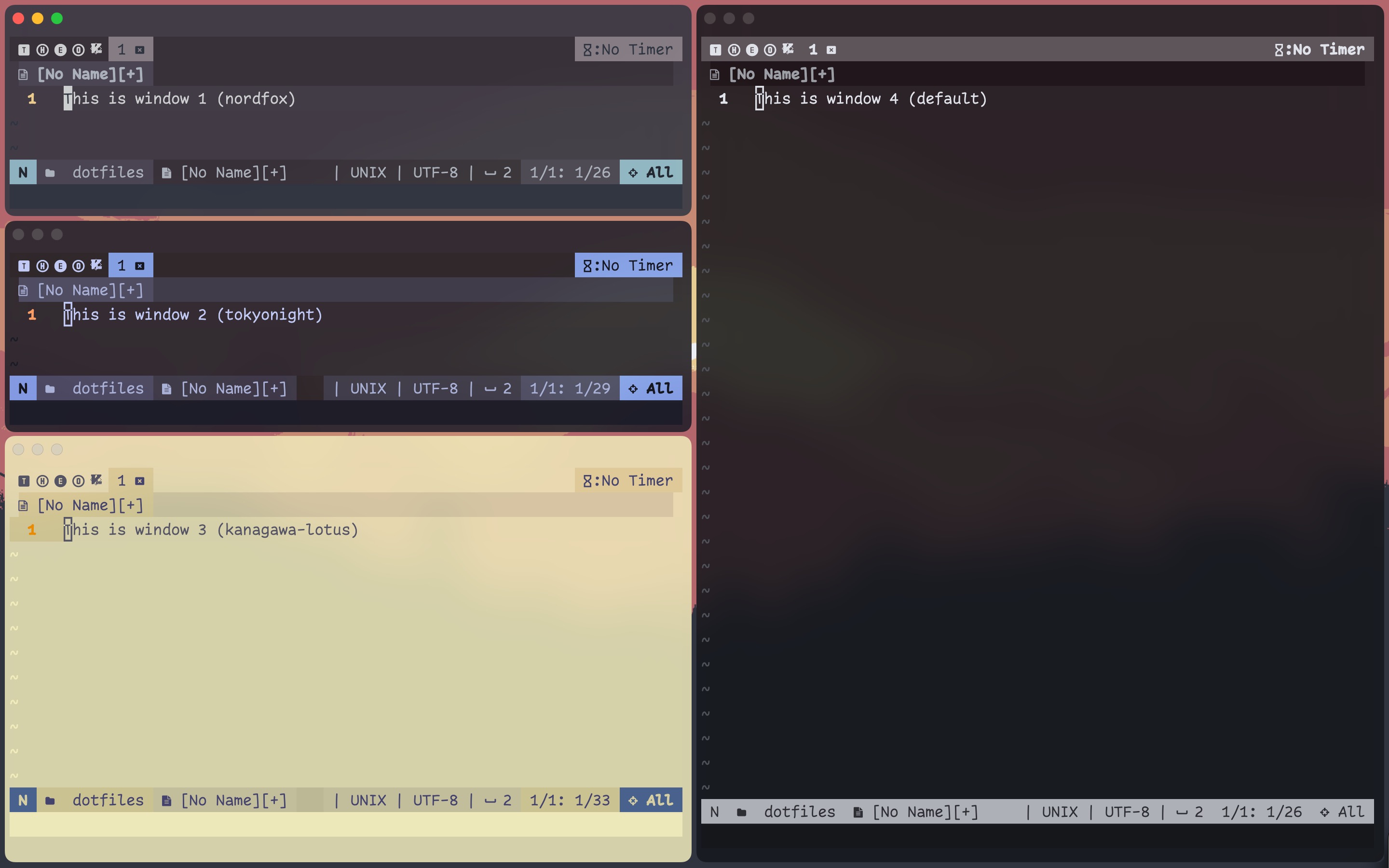
h_tiles
├── v_tiles
│   │── v_tiles
│   │   ├── window 1
│   │   └── window 2
│   └── window 3
└── window 4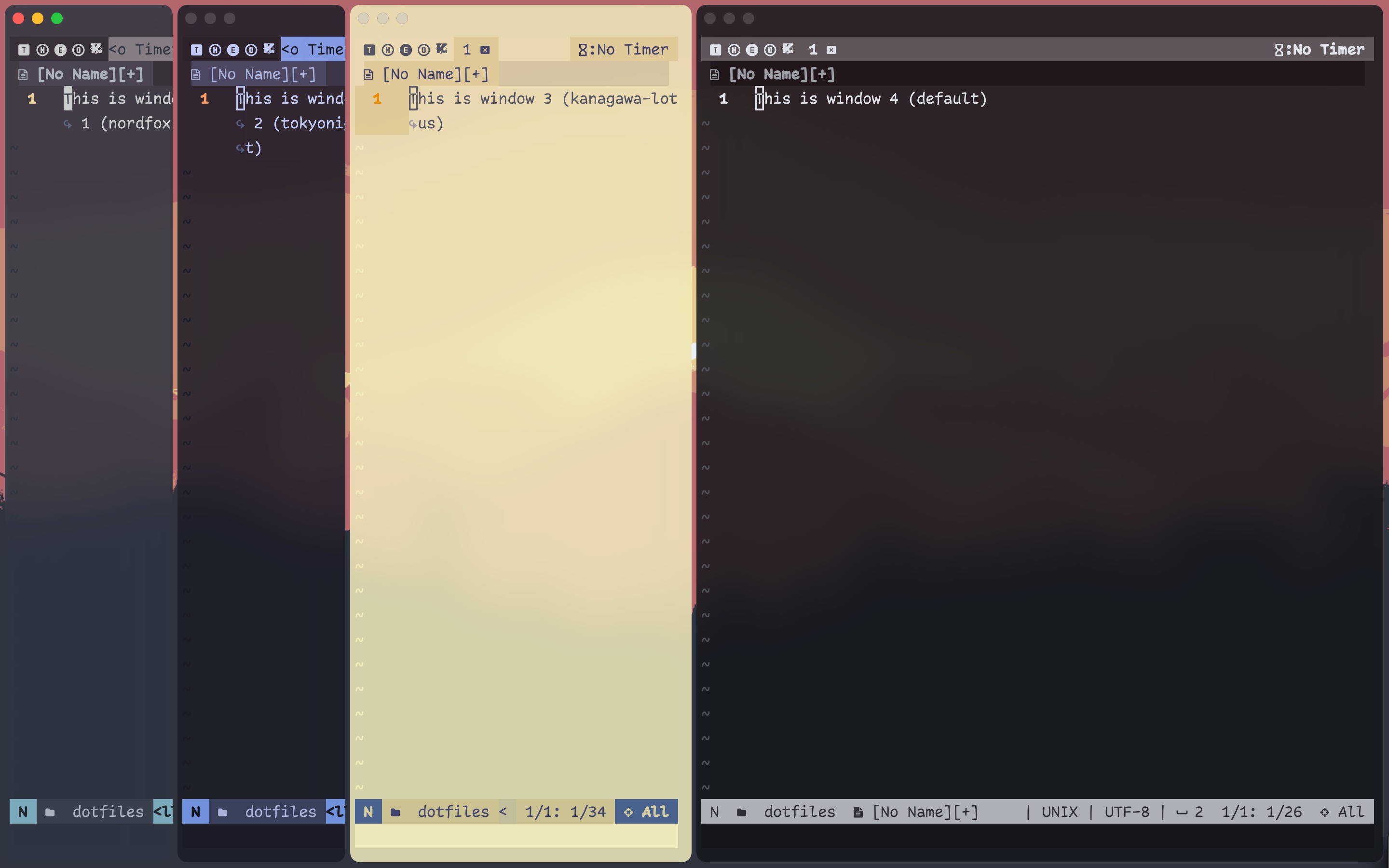
h_tiles
├── h_tiles
│   │── h_tiles
│   │   ├── window 1
│   │   └── window 2
│   └── window 3
└── window 4
Here is the last example where normalization might be required to visually distinguish containers.
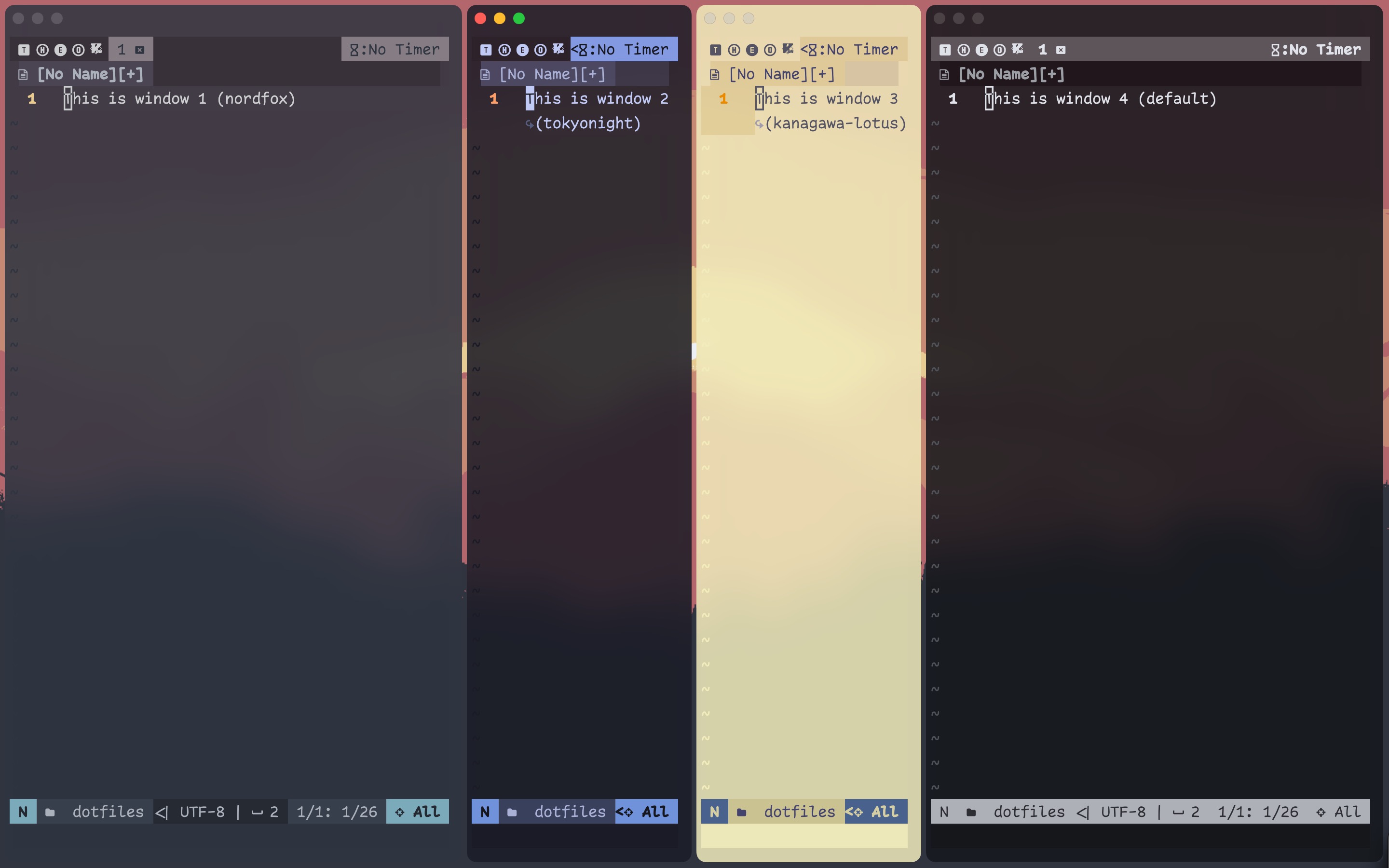
h_tiles
├── window 1
├── h_tiles
│   ├── window 2
│   └── window 3
└── window 4
A horizontal child container is sandwiched between two windows. This creates an ambiguity, and the possibilities are (assuming windows are resized):
- all within the same horizontal container
- horizontal container for the right two, another container for the left two
- horizontal container for the first three, root container for the leftmost
- …
- root container for the leftmost, horizontal container for the middle 2, root container for the rightmost (answer)
I hope you utilize your workspaces well enough to never end up with more than 3 windows per workspace, but in this case, normalization can certainly help. When I reload the config after turning the normalization on, the layout becomes:
h_tiles
├── window 1
├── v_tiles
│   ├── window 2
│   └── window 3
└── window 4
Now there is no ambiguity.